Master Professional Computer & Office Skills – Professional
2-course professional program in Computer & Office Skills. 3.5 Months, 140 hours.
Start Learning
Join learners who transformed their careers with MITS Edge.
Program Overview
Computer & Office Skills (Professional). Combines 2 courses: Basic Computer Course – Essential + MS Office & Excel Essentials – Essential. 3.5 months, 140 contact hours. 5% off vs. separate purchase (Rs 19,000 individually).
Course Highlights
- 140 hours of classroom training
- 2 courses combined into one program
- Save Rs 900 against separate courses
Minimum Requirements
- No prior experience needed
- Laptop or desktop with internet access
- Commitment to a 3.5 months schedule
Who is this for ?
- Job seekers targeting office and admin roles
- Final year students and fresh graduates
- Career changers wanting a full program
Industry-Recognized
Certification
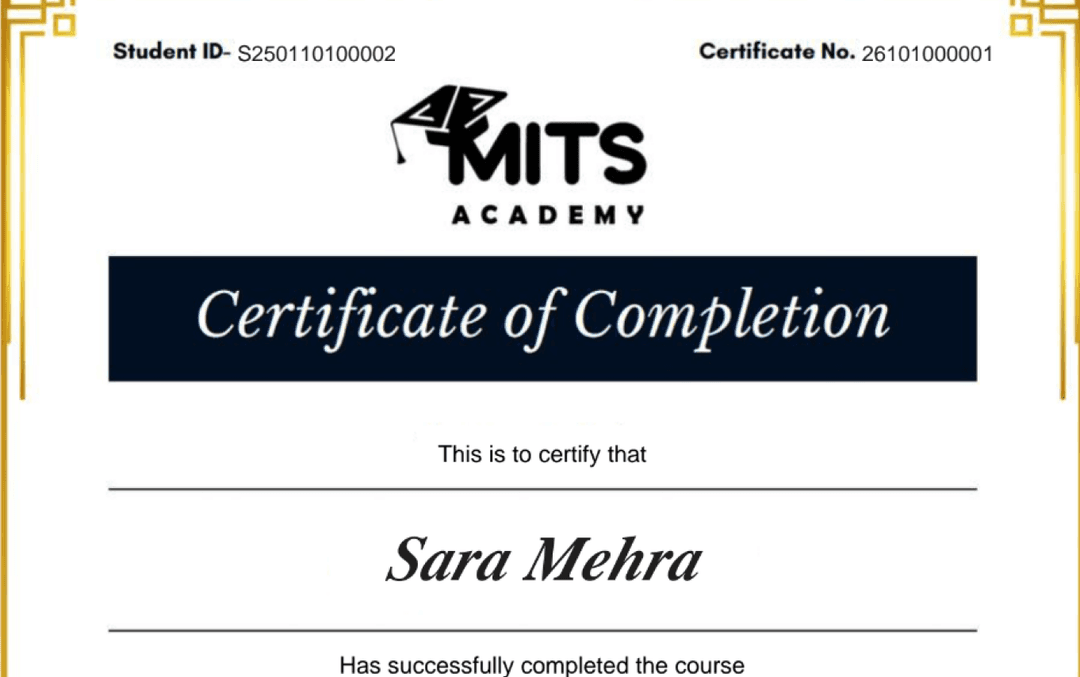
Upon successful completion, you receive a certificate of completion for the Professional Computer & Office Skills – Professional program that you can share with employers and add to your LinkedIn profile — a record of the hands-on skills and projects you completed.
- Verifiable ID: Unique credential link for LinkedIn.
- Skill Validation: Proof of hands-on project completion.
- Corporate Branding: CO-branded with your company logo.
Student Reviews
Frequently asked questions
Is the Professional Computer & Office Skills – Professional course online or in person?
The Professional Computer & Office Skills – Professional program is delivered live and online with instructor-led sessions, so you can join from anywhere in the US, Canada, or beyond. Sessions are interactive and recordings are available for review.
How long is the Professional Computer & Office Skills – Professional course?
The Professional Computer & Office Skills – Professional program runs for 3.5 Months. Cohorts are scheduled in the evenings and on weekends to fit around a full-time job.
What level is the Professional Computer & Office Skills – Professional course — is it suitable for beginners?
The Professional Computer & Office Skills – Professional program is pitched at a intermediate level. Some prior familiarity helps, and the curriculum builds toward job-ready skills.
Do I get a certificate after completing Professional Computer & Office Skills – Professional?
Yes — you receive a verifiable certificate of completion for the Professional Computer & Office Skills – Professional program, which you can share with employers and add to your LinkedIn profile.
Does the Professional Computer & Office Skills – Professional course include placement or career support?
Yes. MITS Edge programs include career support — resume reviews, mock interviews, and job-search guidance aligned to the US and Canadian hiring markets.
Do I need any prior experience to join Professional Computer & Office Skills – Professional?
Recommended prerequisites: No prior experience needed; Laptop or desktop with internet access; Commitment to a 3.5 months schedule.
Related Courses
Advanced Digital Skills Program – Advanced
3-course advanced program in Digital Skills with AI. 4.5 Months, 180 hours.
Complete Digital Skills Program – Career
4-course career program in Complete Digital Skills. 5.5 Months, 220 hours.
Microsoft Office – Essential
MS Word, PowerPoint and Excel basics for office work.
AI Tools for Everyday Productivity – Essential
Practical AI tools for writing, documents, presentations and everyday productivity