Master DaVinci Resolve & Colour Grading – Essential
DaVinci Resolve workflow, colour grading, node editing and finishing
Start Learning
Join learners who transformed their careers with MITS Edge.
Program Overview
DaVinci Resolve & Colour Grading. DaVinci Resolve workflow, colour grading, node editing and finishing. Runs 1.5 months over 60 contact hours. This course is sold on its own and also forms part of larger programs.
Course Highlights
- 60 hours of classroom training
- Certificate on completion
- Can be taken on its own or inside a program
Minimum Requirements
- Adobe Premiere Pro
- Laptop or desktop with internet access
Who is this for ?
- Beginners and students
- Working professionals adding one skill
- Career changers
Industry-Recognized
Certification
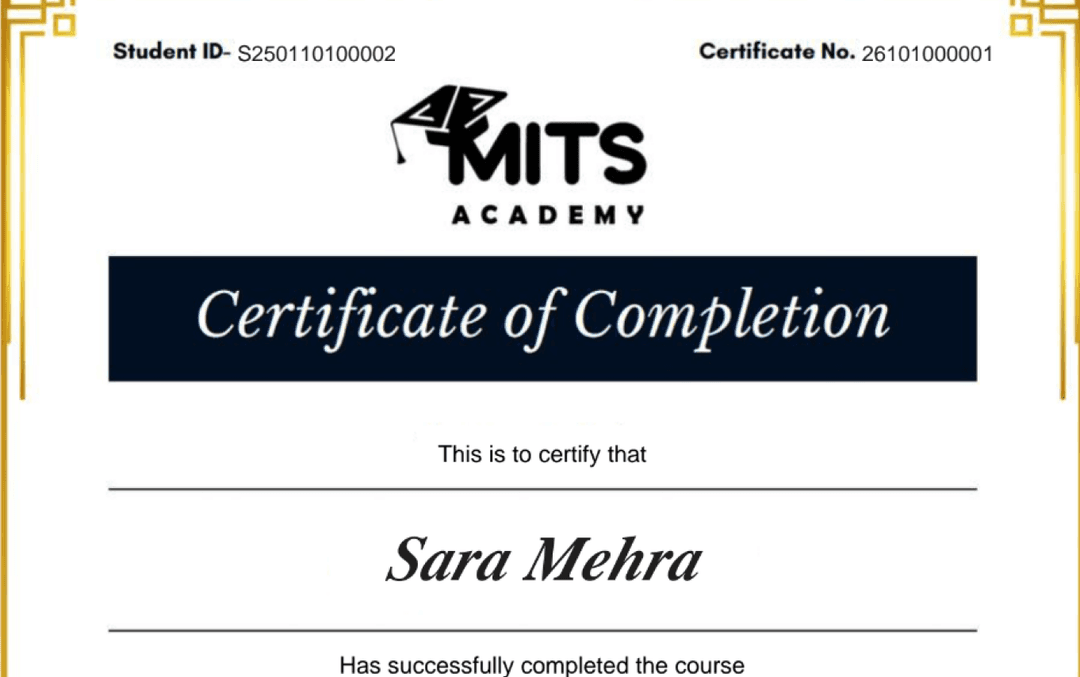
Upon successful completion, you receive a certificate of completion for the DaVinci Resolve & Colour Grading – Essential program that you can share with employers and add to your LinkedIn profile — a record of the hands-on skills and projects you completed.
- Verifiable ID: Unique credential link for LinkedIn.
- Skill Validation: Proof of hands-on project completion.
- Corporate Branding: CO-branded with your company logo.
Student Reviews
Frequently asked questions
Is the DaVinci Resolve & Colour Grading – Essential course online or in person?
The DaVinci Resolve & Colour Grading – Essential program is delivered live and online with instructor-led sessions, so you can join from anywhere in the US, Canada, or beyond. Sessions are interactive and recordings are available for review.
How long is the DaVinci Resolve & Colour Grading – Essential course?
The DaVinci Resolve & Colour Grading – Essential program runs for 1.5 Months. Cohorts are scheduled in the evenings and on weekends to fit around a full-time job.
What level is the DaVinci Resolve & Colour Grading – Essential course — is it suitable for beginners?
The DaVinci Resolve & Colour Grading – Essential program is pitched at a intermediate level. Some prior familiarity helps, and the curriculum builds toward job-ready skills.
Do I get a certificate after completing DaVinci Resolve & Colour Grading – Essential?
Yes — you receive a verifiable certificate of completion for the DaVinci Resolve & Colour Grading – Essential program, which you can share with employers and add to your LinkedIn profile.
Does the DaVinci Resolve & Colour Grading – Essential course include placement or career support?
Yes. MITS Edge programs include career support — resume reviews, mock interviews, and job-search guidance aligned to the US and Canadian hiring markets.
Do I need any prior experience to join DaVinci Resolve & Colour Grading – Essential?
Recommended prerequisites: Adobe Premiere Pro; Laptop or desktop with internet access.
Related Courses
Multi-Tool Editing & Delivery – Essential
CapCut, Canva, Audacity, Filmora, OBS, Media Encoder and multi-platform delivery
Professional Video Editing – Professional
2-course professional program in Video Editing. 3.5 Months, 140 hours.
Advanced Video Editing Program – Advanced
3-course advanced program in Video Editing with Grading. 5 Months, 200 hours.
Professional Editing & Colour Grading – Professional
2-course professional program in Editing & Colour Grading. 3 Months, 120 hours.