
Master Figma & Adobe XD – Essential
UI design, wireframes, prototypes, components and basic UX workflow
Start Learning
Join learners who transformed their careers with MITS Edge.
Program Overview
Figma & Adobe XD. UI design, wireframes, prototypes, components and basic UX workflow. Runs 2 months over 80 contact hours. This course is sold on its own and also forms part of larger programs.
Course Highlights
- 80 hours of classroom training
- Certificate on completion
- Can be taken on its own or inside a program
Minimum Requirements
- Design basics helpful
- Laptop or desktop with internet access
Who is this for ?
- Beginners and students
- Working professionals adding one skill
- Career changers
Industry-Recognized
Certification
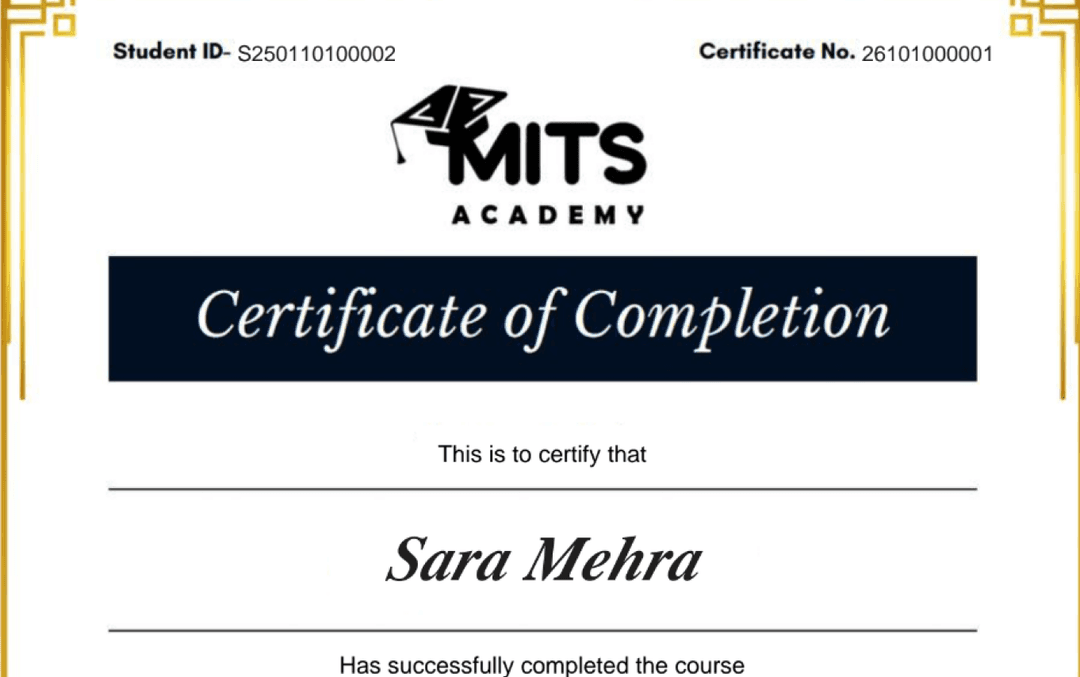
Upon successful completion, you receive a certificate of completion for the Figma & Adobe XD – Essential program that you can share with employers and add to your LinkedIn profile — a record of the hands-on skills and projects you completed.
- Verifiable ID: Unique credential link for LinkedIn.
- Skill Validation: Proof of hands-on project completion.
- Corporate Branding: CO-branded with your company logo.
Student Reviews
Why learn this online
UI/UX and product design skills are highly visible and portfolio-driven — your case studies and prototypes do most of the work of proving your ability. Learning online in a live, project-based course lets you practice real design tools (like Figma) and design-thinking methods on realistic briefs, building the case-study portfolio that design hiring managers expect to see.
Who this is for
- ✓Visually and empathetically minded professionals
- ✓Career switchers from adjacent creative or research fields
- ✓Developers wanting to add design skills
Career outcomes
- UI/UX Designer
- Product Designer
- Interaction Designer
- UX Researcher (entry)
Frequently asked questions
Is the Figma & Adobe XD – Essential course online or in person?
The Figma & Adobe XD – Essential program is delivered live and online with instructor-led sessions, so you can join from anywhere in the US, Canada, or beyond. Sessions are interactive and recordings are available for review.
How long is the Figma & Adobe XD – Essential course?
The Figma & Adobe XD – Essential program runs for 2 Months. Cohorts are scheduled in the evenings and on weekends to fit around a full-time job.
What level is the Figma & Adobe XD – Essential course — is it suitable for beginners?
The Figma & Adobe XD – Essential program is pitched at a intermediate level. Some prior familiarity helps, and the curriculum builds toward job-ready skills.
Do I get a certificate after completing Figma & Adobe XD – Essential?
Yes — you receive a verifiable certificate of completion for the Figma & Adobe XD – Essential program, which you can share with employers and add to your LinkedIn profile.
Does the Figma & Adobe XD – Essential course include placement or career support?
Yes. MITS Edge programs include career support — resume reviews, mock interviews, and job-search guidance aligned to the US and Canadian hiring markets.
Do I need any prior experience to join Figma & Adobe XD – Essential?
Recommended prerequisites: Design basics helpful; Laptop or desktop with internet access.
Do I need to know how to draw or code to learn UI/UX design?
No — modern UI/UX design relies on tools like Figma rather than freehand drawing or coding. What matters most is understanding users and structuring clear, usable interfaces.
What should a UI/UX portfolio include?
A few in-depth case studies showing your design process — problem, research, iterations, and final solution — matter far more than a large number of shallow projects.
Related Courses
Graphic Design Fundamentals – Essential
Design principles, colour theory, typography, layout and creative fundamentals
Graphic Design Project-Based Industry Programme – Essential
Branding project, social media creatives, print designs and portfolio
Photoshop & Illustrator – Essential
Photoshop, Illustrator, image editing, vector design and print-ready artwork
UX Research & Prototyping – Essential
UX research, user flows, usability testing and high-fidelity prototyping