
Master Tableau BI Professionals
Build interactive dashboards and business intelligence reports using Tableau.
Start Learning
Join learners who transformed their careers with MITS Edge.
Program Overview
Learn Tableau visualization, dashboard design, data storytelling, and analytics reporting to transform business data into actionable insights.
Course Highlights
- Interactive Dashboards
- Data Storytelling
- Visual Analytics
Minimum Requirements
- Basic Excel Knowledge
- Data Analysis Basics
- Computer Access
Who is this for ?
- Data Analysts
- BI Professionals
- Business Users
Curriculum
Course Curriculum
10 modules · 83 topics83 hours total
- 1The Modern BI Ecosystem: Tableau vs Power BI vs Looker1 h
Understand where Tableau fits among leading BI platforms and why organizations choose it for self-service analytics.
- 2Data Analysis Fundamentals: Dimensions, Measures & Aggregation1 h
Distinguish qualitative dimensions from quantitative measures and understand how aggregation drives every Tableau visualization.
- 3Data Types and Roles in Tableau (Discrete vs Continuous)1 h
Explain how blue discrete pills and green continuous pills change axis behavior, aggregation, and chart structure.
- 4Installing Tableau Desktop, Public, and Tableau Prep1 h
Set up the full Tableau toolchain locally and configure licensing to prepare for hands-on dashboard building.
- 5Tableau Cloud vs Tableau Server: Deployment Models Explained1 h
Compare on-premise Server and cloud-hosted Tableau Cloud to understand publishing and governance implications for enterprises.
- 6Navigating the Tableau Workspace: Shelves, Cards, and Pills1 h
Get fluent with the core interface elements—Rows, Columns, Marks card, and Data pane—used in every workbook.
- 7Connecting to Flat Files: Excel, CSV, and PDF Extracts1 h
Import and structure spreadsheet-based data sources correctly to avoid common field-typing and header errors.
- 8Understanding the Tableau Data Model: Logical vs Physical Layers1 h
Grasp how Tableau's relationship-based logical layer differs from physical joins and unions under the hood.
Industry-Recognized
Certification
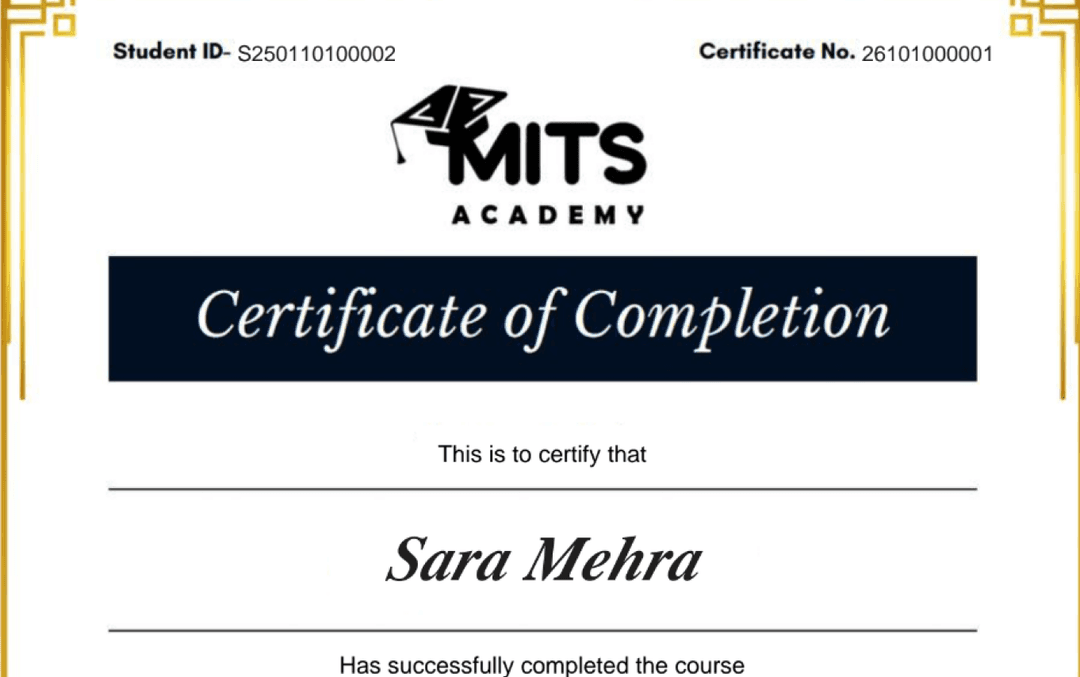
Upon successful completion, you receive a certificate of completion for the Tableau BI Professionals program that you can share with employers and add to your LinkedIn profile — a record of the hands-on skills and projects you completed.
- Verifiable ID: Unique credential link for LinkedIn.
- Skill Validation: Proof of hands-on project completion.
- Corporate Branding: CO-branded with your company logo.
Student Reviews
Why learn this online
Data analytics is one of the most accessible entry points into a tech career because the core tools — SQL, spreadsheets, and BI platforms like Power BI or Tableau — are learnable in months and do not require heavy programming. Learning online in a live cohort keeps you accountable while you build a portfolio of dashboards and analyses that prove your ability to turn data into decisions.
Who this is for
- ✓Business and operations professionals
- ✓Non-coders wanting a data career
- ✓Career switchers who want a faster on-ramp
Career outcomes
- Data Analyst
- Business Intelligence Analyst
- Analytics Engineer
- Reporting Analyst
Frequently asked questions
Is the Tableau BI Professionals course online or in person?
The Tableau BI Professionals program is delivered live and online with instructor-led sessions, so you can join from anywhere in the US, Canada, or beyond. Sessions are interactive and recordings are available for review.
How long is the Tableau BI Professionals course?
The Tableau BI Professionals program runs for 4 weeks . Cohorts are scheduled in the evenings and on weekends to fit around a full-time job.
What level is the Tableau BI Professionals course — is it suitable for beginners?
The Tableau BI Professionals program is pitched at a intermediate level. Some prior familiarity helps, and the curriculum builds toward job-ready skills.
Do I get a certificate after completing Tableau BI Professionals?
Yes — you receive a verifiable certificate of completion for the Tableau BI Professionals program, which you can share with employers and add to your LinkedIn profile.
Does the Tableau BI Professionals course include placement or career support?
Yes. MITS Edge programs include career support — resume reviews, mock interviews, and job-search guidance aligned to the US and Canadian hiring markets.
Do I need any prior experience to join Tableau BI Professionals?
Recommended prerequisites: Basic Excel Knowledge; Data Analysis Basics; Computer Access.
Do I need to code to work in data analytics?
Not heavily. The essentials are SQL, spreadsheets, and a BI tool. Light Python helps for larger datasets but is not required to get started or hired.
How is data analytics different from data science?
Analytics focuses on interpreting existing data to answer business questions, while data science builds predictive models. Analytics is a common, lower-barrier first step toward data science.
Related Courses
Professional Excel & Power BI – Professional
2-course professional program in Excel & Power BI. 2 Months, 80 hours.
Advanced Data Analytics Program – Advanced
3-course advanced program in Data Analytics with SQL. 3.5 Months, 140 hours.
Professional Excel & SQL Analytics – Professional
2-course professional program in Excel & SQL Analytics. 2.5 Months, 100 hours.
Professional Power BI & SQL – Professional
2-course professional program in Power BI & SQL. 2.5 Months, 100 hours.